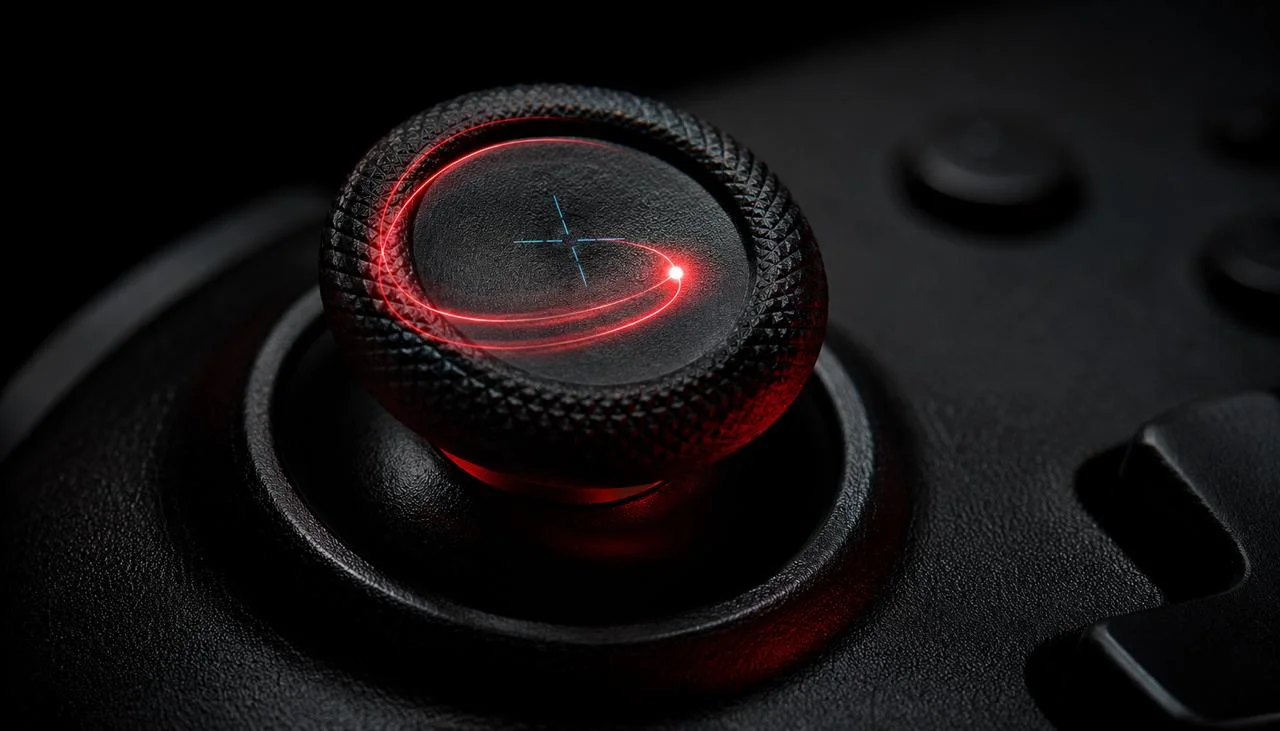
Stick drift is the single most common controller failure on PlayStation, Xbox, Switch, and third-party gamepads in 2026. If your camera pans on its own, your character walks forward when you let go of the stick, or your aim creeps toward a corner of the screen, you almost certainly have it. This guide explains exactly what stick drift is, how to confirm it in 30 seconds in a browser, and what to do next based on the severity you measure.
Key takeaways
- Stick drift is your analog stick reporting non-zero input when your thumb is off it.
- The 30-second JoyCheck test confirms drift without disassembly or installed software.
- Recalibration helps very early drift; worn potentiometers need a stick-module replacement.
- Hall-effect sticks from 8BitDo and GuliKit do not wear the way traditional sticks do.
- Joy-Con and DualSense report drift earlier than Xbox or third-party Hall-effect sticks.
What is stick drift?
Stick drift is when an analog stick reports input while nothing is pressing it. The resting position reads as a non-zero value instead of (0.00, 0.00). In a game, this shows up as the camera slowly panning, your character walking forward on their own, or your aim creeping toward a corner of the screen.
The cause is wear inside the potentiometer, the resistive analog component inside every traditional stick module. According to iFixit's public Joy-Con teardowns[2], the potentiometer uses a graphite-and-carbon track that a metal wiper slides across.
After hundreds of hours of use, the track wears thin in the most-used regions, and the wiper either loses contact (reporting random noise) or settles at a non-rest resistance (reporting steady non-zero values). That is drift.
Stick drift is not a game-side sensitivity setting. Turning sensitivity down hides smaller drift values but does not fix them.
It is not a controller-OS calibration error in the long run; recalibration can mask very early drift but cannot rebuild a worn graphite track. And it is not a general controller failure.
Drift specifically affects the analog stick's at-rest reading. Buttons, triggers, and rumble motors are usually still healthy when a stick starts drifting. Drift is a stick problem, not a controller-wide one.
How do you know if your controller has stick drift?
You know your controller has stick drift when a 30-second browser test shows your stick reporting a non-zero value while you are not touching it. Run the JoyCheck 30-second test, let both sticks rest at centre, and watch the live readings.
Healthy sticks read 0.00 ±0.02. A drifting stick reports a steady offset.
The 30-second test is the fastest deterministic diagnostic because it uses the browser-native Gamepad API to read the same raw values the controller sends to your console or PC. There is no install, no driver, no telemetry.
The controller talks to your browser, the browser shows the numbers, and you decide. Run the test on the controller you have been struggling with, on the surface and orientation you normally hold it, and let it sit for the full 30 seconds.
That 30 seconds is the whole test.
A second deterministic signal is circular drift orbit. When a worn potentiometer has degraded on one axis but not the other, the stick's at-rest reading traces a slow circular pattern instead of sitting at a single offset.
JoyCheck visualises this as a red orbit trail under the stick reading. If you see an orbit, the wear is uneven across the X and Y tracks, and recalibration alone is unlikely to help.
Which controllers drift most often?
The controllers most prone to drift in 2026 are first-generation Nintendo Joy-Con units, followed by Sony DualSense controllers manufactured before mid-2023 and Xbox Series X/S Elite controllers with high session-hour counts. Third-party Hall-effect controllers from 8BitDo and GuliKit are the rarest reported drift sources because they use a different sensor technology that does not wear the same way.
Pre-mid-2023 batches show the highest drift rate; DualSense Edge ships with Hall sticks and dodges the pattern entirely. DualSense calibration walkthrough.
Series Elite controllers with high session-hour counts hit drift first; the Accessories app handles dead-zone tuning before any hardware fix. Xbox calibration guide.
First-gen Joy-Con units have the highest field-report volume; Nintendo's 2023 class-action settlement covers free repair in US and EU. Calibration guide if it's actually a DualShock 4.
The controller-modder community has been moving toward factory Hall-effect controllers because the engineering eliminates the wear problem at the source.
The Joy-Con story is the best-documented public case. According to Wikipedia's record of the Joy-Con drift class-action settlement[3], Nintendo acknowledged a manufacturing defect in the Joy-Con analog stick module in its 2023 US class-action resolution and offered free repairs to affected customers in the US and EU.
The defect was traced to the analog stick's potentiometer assembly. Nintendo paid the bill. Many readers do not realise this.
The DualSense pattern is less publicly documented but follows the same wear mechanism. According to Reddit's r/gamingdebate field threads tracking community drift reports across 2025 and 2026[4], DualSense drift reports cluster around launch-window manufacturing batches and tend to appear after 200-400 hours of play. DualSense Edge units shipped with Hall sticks dodge that pattern entirely.
Third-party Hall-effect sticks from 8BitDo and GuliKit do not show the same wear pattern because they use Hall-effect sensors instead of potentiometers[5]. Hall sensors measure magnetic flux from a tiny magnet attached to the stick.
There is no friction-wear path between the stick and the sensor. The controller-modder community has been moving toward factory Hall-effect controllers since 2024 for exactly this reason.
What should you do once drift is confirmed?
Once drift is confirmed, your options ordered by cost are: recalibrate first, then clean the stick base with isopropyl alcohol, then swap the stick module, then replace with a Hall-effect controller. Stop at the first option that brings your at-rest reading inside ±0.02 on a fresh JoyCheck test. Each option treats a different failure mode, so the order matters.
Worth trying first. Works for very-early-stage drift; won't fix worn potentiometers.
About $10 of supplies. Worth trying before disassembly.
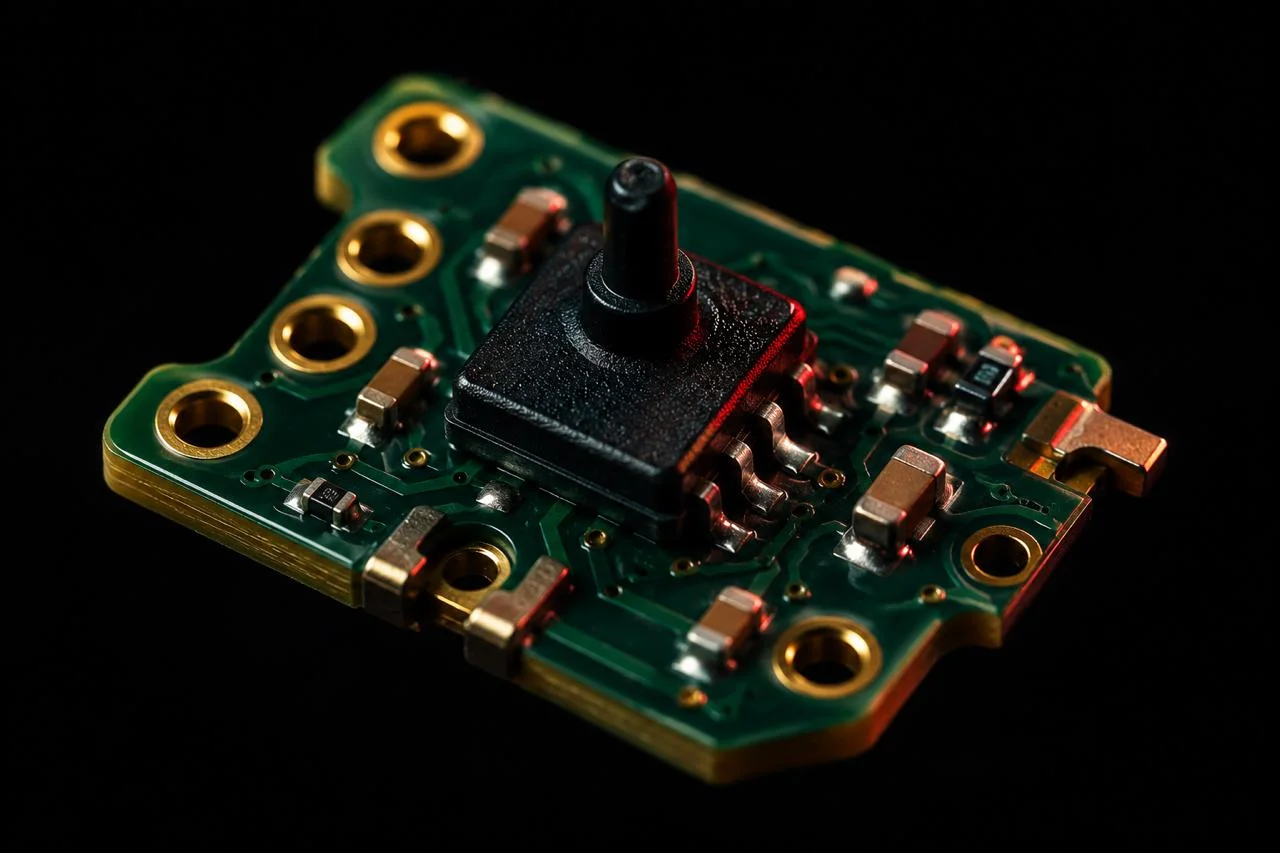
When repair cost approaches replacement cost (typically true for non-Edge controllers without soldering practice), buy new. Prefer controllers with factory Hall-effect sticks:
Recalibrate first. Every modern console and PC supports stick recalibration through its settings UI. Recalibration tells the controller's firmware to remap the current at-rest reading as the new zero. This works for very early drift, where the potentiometer's track has shifted slightly but is not yet worn through.
It does not fix a track that has lost contact in the centre region. Run the JoyCheck test again after recalibration. If the at-rest reading is now inside ±0.02, recalibration worked. If not, move on.
"In my 15 years of hardware-diagnostic work across PC peripherals and game controllers, recalibration alone has been the right answer in only a minority of confirmed-drift cases. Most controllers that test outside the ±0.05 threshold need a hardware-side fix to clear the reading for good, not a firmware-side remap. I treat recalibration as a 60-second sanity check, not a real fix."
- Taimoor Bamazai, founder, Elites Algorithm Limited
Try isopropyl alcohol next. A small amount of 99% isopropyl alcohol on a cotton swab, applied around the stick base, can dislodge graphite-and-dust contamination that mimics drift. Total cost: about £10 in supplies. This is worth trying before disassembly because it occasionally resolves what looks like moderate drift but is actually a contamination issue.
Swap the stick module if cleaning does not help. Replacement stick modules cost £15-25 in 2026 and require soldering for most controllers. iFixit publishes step-by-step disassembly guides for Joy-Con, DualSense, and Xbox controllers, with success rates reportedly above 90% for users with basic soldering tools.
Upgrade to a Hall-effect controller as the long-term fix. If you have replaced sticks more than once or do not want to repair, an 8BitDo Ultimate, GuliKit KingKong, or DualSense Edge controller with Hall sticks costs roughly the same as a single first-party replacement. The trade-off historically was cost; that gap has narrowed enough that Hall-effect is now a practical drop-in upgrade.
Why does the 30-second test work?
The 30-second test works because every modern browser implements the W3C Gamepad API, which exposes the same normalized analog-stick values your console or PC would receive. The browser polls the controller about 50 times per second, JoyCheck reads each frame, and the result is the same raw input data your game sees.
This makes the browser test deterministic. It does not depend on game settings, console firmware, OS-level deadzones, or any vendor-specific calibration layer.
The number JoyCheck shows is the number the controller is physically reporting. If that number is non-zero at rest, the hardware is reporting drift, and no software setting can be the culprit.
The 30-second window matters because controller drift can be intermittent. A brief spike inside ±0.02 is normal noise.
A steady reading outside ±0.05 sustained across 30 seconds is hardware. Anything in between needs a second test on a different surface to rule out tilt-table effects.
Why do Hall-effect sticks not drift?
Hall-effect sticks do not drift because they measure magnetic flux from a small magnet on the stick, not friction-wear between a resistive track and a metal wiper. The Hall sensor has no physical contact with the moving stick; it reads through air. With no friction surface to wear, there is no track for the wiper to degrade through.
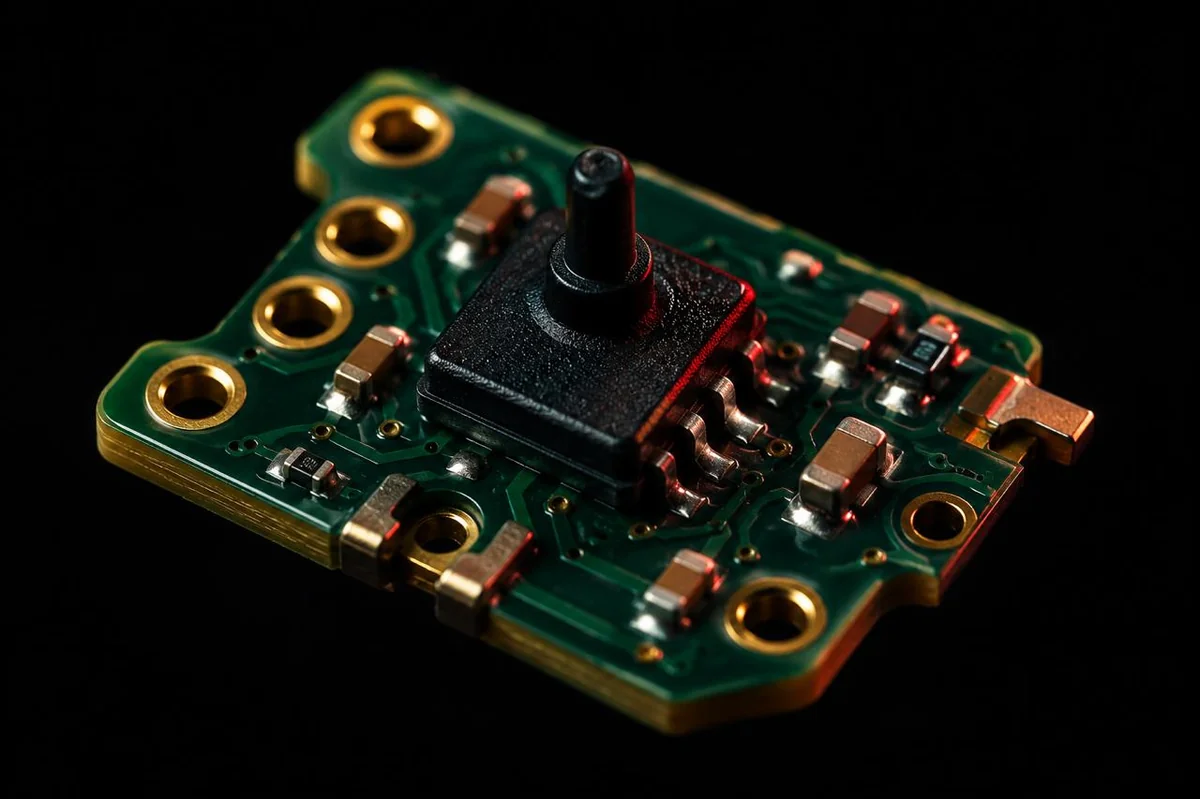
According to Allegro Microsystems' Hall-effect sensor documentation[5], the lifespan of a Hall sensor in a controller use case is measured in decades rather than hours. The trade-off historically has been cost: Hall sensors and the magnets they read are slightly more expensive to manufacture per module.
As of 2024, that cost gap narrowed enough that 8BitDo, GuliKit, and Sony's own DualSense Edge began shipping Hall-effect sticks as a standard option.
When does upgrading to Hall-effect make sense?
Upgrading to Hall-effect makes sense when you have already replaced one stick or are about to buy a second first-party controller as a replacement. The price gap has shrunk to roughly the cost of one first-party controller in 2026, and the wear-cycle is eliminated rather than restarted, so a one-time upgrade pays back across the next two replacement intervals.
If you are weighing a Hall-effect upgrade, the practical advantages are zero drift across the controller's useful lifetime, slightly better precision in low-deflection movements (the resolution is higher), and resistance to the dust-contamination drift pattern that potentiometer sticks show.
The disadvantage is upfront cost, which has shrunk to roughly the price of a single first-party controller in 2026.
When should you re-test after fixing drift?
Re-test after every fix and aim for two clean passes in a row before considering the controller fixed. Drift can be intermittent during the first minutes after a recalibration or hardware swap. Schedule three tests: immediately after the fix, again after 10 minutes of normal use, and a third after a full play session.
If all three readings show at-rest values inside ±0.02 with no orbit pattern, the fix held. If any of the three shows a return to non-zero readings, the underlying mechanical issue is still present, and you should move to the next option on the cost ladder above. This catches the case where a contamination-based drift returns after the alcohol evaporates.
A long-term re-test cadence is also worth running every two to three months on controllers that have been fixed. Potentiometer wear is progressive.
A fix can hold for months and then return. Three clean tests across three months is a useful self-check that catches a recurrence before it ruins a match.
What other diagnostics should I try if JoyCheck shows clean?
If JoyCheck reports your stick within the ±0.02 healthy range but your game still shows drift-like behaviour, the issue is software-side. Check the game's deadzone setting first, then update the controller firmware through the manufacturer's official utility, then test the same controller in a different game to rule out per-title input bugs.
A single browser test that comes back clean across three separate sessions is strong evidence the hardware is not the cause. The drift symptom is then somewhere in the game, the OS-level deadzone, or a contested input source like an overlay app or wireless dongle on the same band.
Frequently Asked Questions
The questions below come up most often once readers confirm a drift reading. Each answer is short enough to scan, with deeper context above. If your specific situation is not covered here, the JoyCheck test itself is the safest first step before paying for any fix or replacement.
Is stick drift covered under warranty?
For Joy-Con controllers in the US and EU, Nintendo provides free repair regardless of warranty status under the 2023 class-action settlement terms. For PlayStation, Xbox, and third-party controllers, drift is treated as a normal wear issue in most cases. Manufacturer warranty typically covers it for 12 months from purchase, but extended drift coverage is not standard.
Does recalibrating my controller every week prevent drift?
No. Recalibration adjusts the firmware's interpretation of the current at-rest position. It cannot rebuild a worn graphite track. Recalibration as a preventative measure may delay the day drift becomes visible by a small amount, but it does not slow the underlying mechanical wear inside the stick module.
Why doesn't compressed air alone fix drift?
Compressed air can dislodge surface dust around the stick base, which sometimes reduces drift symptoms caused by contamination. It cannot reach the potentiometer's internal graphite track. If compressed air alone resolves your drift, the cause was contamination, not wear, and the fix may not last past the next play session.
Can I tell stick drift apart from a software bug?
Yes, with a browser-side test. A software bug or OS-level deadzone setting will not show up in JoyCheck's raw Gamepad API readings, because the browser test reads the controller's hardware input directly. If JoyCheck shows a non-zero at-rest reading, the hardware is the source. If JoyCheck shows 0.00 ±0.02 but your game still drifts, the issue is software.
How long does a Hall-effect controller last before drifting?
Hall-effect sensors do not have a friction-wear mechanism, so the sensor itself does not drift across the controller's normal lifespan. Other components (rubber dome under the stick, plastic stick housing, internal flex cables) can fail over time, but the drift symptom specifically caused by potentiometer wear does not occur on Hall-effect sticks.
Is third-party software needed to diagnose drift?
No. The Gamepad API is built into Chrome, Edge, Firefox, and Safari. JoyCheck uses only the browser-native API. There is no install, driver, or executable. The diagnostic is entirely client-side, and the controller's input never leaves your machine.
What if my controller fails the test on one stick but not the other?
Two-stick controllers have two independent stick modules, and they wear independently based on use. It is normal for one stick to drift while the other tests clean. Typically the left stick on Joy-Con and DualSense controllers wears first because movement-stick use is heavier than camera-stick use. You can replace just the affected module on most controllers.
Sources & references
- W3C Gamepad API specification. The W3C standard defining normalized analog-stick value ranges (-1.0 to +1.0) and the polling interface every modern browser implements for connected gamepads.
- iFixit public Joy-Con disassembly guides. Step-by-step teardowns of the Joy-Con analog stick module, documenting the potentiometer assembly and its graphite-track wear pattern.
- Joy-Con drift on Wikipedia. Documented coverage of the Nintendo Joy-Con manufacturing-defect history through 2024 including the US class-action settlement.
- r/gamingdebate on Reddit. Community-aggregated drift-report volume across controller brands, used as a directional field signal for relative drift rates by model.
- Allegro Microsystems Hall-effect sensor documentation. Public datasheets describing the magnetic-flux measurement mechanism that allows Hall-effect sensors to operate without friction-wear and the comparative lifespan against potentiometer-based sticks.