Key fact: The DualSense is a USB HID-compliant gamepad over USB-C; haptics and adaptive triggers stay disabled in vanilla Bluetooth on Windows unless DualSenseX or Steam Input bridges them. Power-cycling the controller via the pinhole reset on the back (paperclip, ~5 seconds) clears most pairing state.
Why DualSense connections fail
Six common causes:
- Power-only USB cable. The cable bundled with the PS5 carries data; many third-party USB-C cables are charge-only. If Windows lists the controller as "Unknown device" or just shows it charging, swap the cable first.
- Bluetooth pairing got stale. Windows remembers a paired DualSense but can't reconnect to it. Forget the device on Windows, hold Create + PS for 3 seconds until the light bar flashes, re-add.
- Last paired with a PS5 console. The DualSense bonds to one host at a time. After PS5 use, it forgets the PC. Re-pair to switch.
- DualSense firmware out of date. The firmware updater is PC-only. Plug into Windows + open the DualSense Firmware Updater for updates.
- Driver corruption. DS4Windows, DualSenseX, or older Steam Input versions can leave the HID stack in a stuck state. Symptoms: rumble fires intermittently, light bar flickers, controller drops connection.
- Exclusive-mode capture. Steam Input or Remote Play can hold the DualSense in exclusive mode, every other app loses access. Close those apps before testing.
What to do once you've confirmed the controller isn't detected
Four options, ordered by cost. Stop at the first one that works.
The DualSense has a small reset hole on the back, beside the Sony logo, near the right grip. Resetting clears all pairings and Bluetooth state cleanly.
After the pinhole reset, BT pairing should work first time.
For full feature support (rumble, adaptive triggers, gyro, touchpad), you need a driver-level helper. Two well-maintained options:
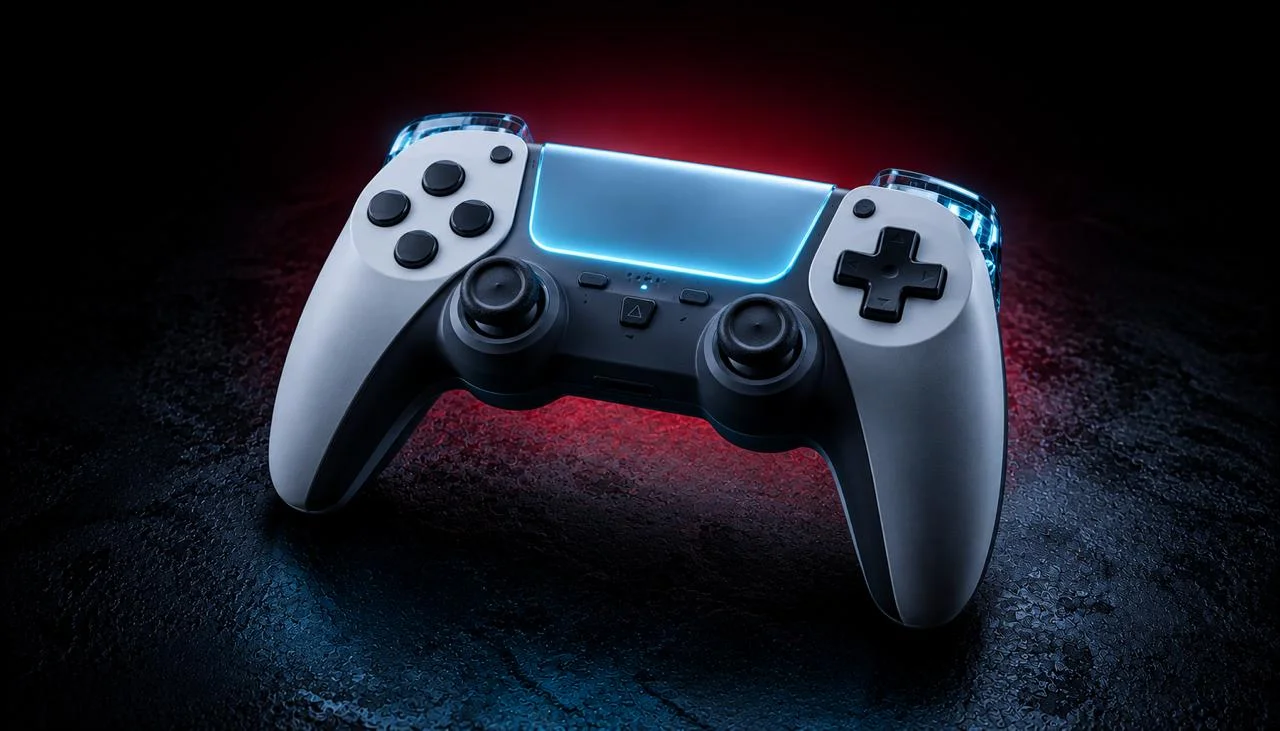
If wireless pairing keeps failing, fall back to wired. Use the official Sony USB-C cable that shipped with the PS5 (or any USB-C cable rated for USB 2.0+ data transfer, not just charging). About $15-2…
How does DualSense behave on each platform?
Windows 10 / 11. Native XInput support via cable. Bluetooth works without drivers but strips haptics + adaptive triggers. For full features on Bluetooth, use DualSenseX or DS4Windows.
macOS. macOS 11.3+ supports DualSense via Bluetooth and USB. Haptics + adaptive triggers work in Steam games via Steam Input. Outside Steam, third-party tools are limited, most Mac games use basic XInput input.
Linux. Kernel 5.10+ supports DualSense via hid-playstation. Modern distros work plug-and-play. The SteamLink + Steam Input path handles haptics + adaptive triggers in Steam games.
Browser. All modern browsers see the DualSense via the W3C Gamepad API. Chrome and Edge expose the basic input (sticks, buttons, triggers), but haptics and adaptive triggers are not exposed via the Gamepad API. JoyCheck reads input only.
Which devices is DualSense compatible with?
| Feature | Windows USB | Windows BT | macOS USB | macOS BT | Linux USB | Linux BT | Browser |
|---|---|---|---|---|---|---|---|
| Buttons + sticks | ✓ | ✓ | ✓ | ✓ | ✓ | ✓ | ✓ |
| Triggers (basic) | ✓ | ✓ | ✓ | ✓ | ✓ | ✓ | ✓ |
| Rumble | ✓ | DSX/DS4W | Steam Input | Steam Input | ✓ | ✓ | ✗ |
| Adaptive triggers | ✓ | DSX/DS4W | Steam Input | Steam Input | partial | partial | ✗ |
| Light bar control | ✓ | DSX/DS4W | Steam Input | Steam Input | ✓ | ✓ | ✗ |
| Touchpad | ✓ | DSX/DS4W | Steam Input | Steam Input | ✓ | ✓ | ✓ (basic) |
| Gyro | ✓ | DSX/DS4W | Steam Input | Steam Input | ✓ | ✓ | partial |
When to replace the controller
After all four fix tiers, if JoyCheck still doesn't see the DualSense on multiple PCs, the controller's USB-C port or Bluetooth chip has failed. Sony's standard warranty is 12 months in most regions; EU consumer law extends some warranties to 2 years.
For stick drift specifically, see our DualSense stick-drift guide, the DualSense Edge offers user-swappable stick modules for about $25. Standard DualSense users can install Hall-effect aftermarket modules from GuliKit or eXtremeRate for around $30 plus soldering.
How do I test the fix in 30 seconds?
After every fix, run a full controller test in JoyCheck:
- Open joycheck.io in any modern browser.
- Press PS or any button, the live input diagram appears.
- Run through every input: both analog sticks, triggers (squeeze for the adaptive resistance test), all face buttons, D-pad, Touchpad click and swipe, Mic, Options, Create, PS.
- Confirm each input lights up in the diagram.
If everything responds, you're done. If rumble or adaptive triggers are missing, see Tier 3 (DualSenseX) or Tier 4 (wired) above.
Run the full controller test now →
Workshop notes by Taimoor Bamazai at Elites Algorithm. Published 21 May 2026. Bug reports and corrections: support@joycheck.io. More notes from the workshop: /blog.
Frequently asked questions about DualSense troubleshooting
Does the DualSense work on PC?
Yes. Windows 10/11 supports it natively via USB-C cable (full features) or Bluetooth (basic input only, no rumble, no adaptive triggers). For wireless feature parity, install DualSenseX ($4) or DS4Windows (free).
Why don't the adaptive triggers work on PC?
Adaptive triggers are exposed via the DualSense's vendor-specific HID protocol, not standard XInput. Games need explicit API integration to drive them. Native PS5 PC ports (e.g., God of War, Spider-Man) implement it. For other games, use DualSenseX to simulate adaptive trigger behavior.
How do I update DualSense firmware on PC?
Download Sony's DualSense Firmware Updater for Windows. Connect via USB-C. The tool reports current firmware and prompts an update if one is available. Mac and Linux users need Windows for firmware updates (or a PS5 console, which auto-updates the controller).
Can I use the DualSense on iPhone?
Yes. iOS 14.5+ supports DualSense via Bluetooth. Pair via Settings → Bluetooth like any other device. Compatible games (Genshin Impact, Resident Evil 4 Mobile, native iOS console-style titles) expose the standard input set.
Why is my DualSense's light bar blinking white forever?
Pairing mode is active but Windows isn't picking it up. Two fixes: (1) move closer to the BT receiver, DualSense BT range is shorter than Xbox; (2) do a pinhole reset (see Tier 1) and retry. If pairing still fails, your PC's BT chip may need a firmware update from your motherboard manufacturer.
Why does my DualSense disconnect after 10 minutes idle?
Auto-sleep. The DualSense puts itself to sleep when idle. Press PS to wake. This isn't a connection issue, the controller is conserving battery. Some apps prevent this by sending a heartbeat ping (Steam does this automatically).
Can I use the DualSense Edge on PC?
Yes, the Edge connects exactly like the standard DualSense. The Edge's user-replaceable stick modules are a separate hardware feature; from the PC's perspective, it's a DualSense. All the same Tier 1-4 fixes apply.
JoyCheck sees my DualSense but my game doesn't, what now?
The game is using DirectInput or its own API rather than XInput. Three options: (1) enable XInput in the game's controller menu; (2) add the game to Steam as a Non-Steam Game and let Steam Input wrap it; (3) use DualSenseX or DS4Windows to expose the controller as a virtual Xbox 360 controller, every game sees it that way.