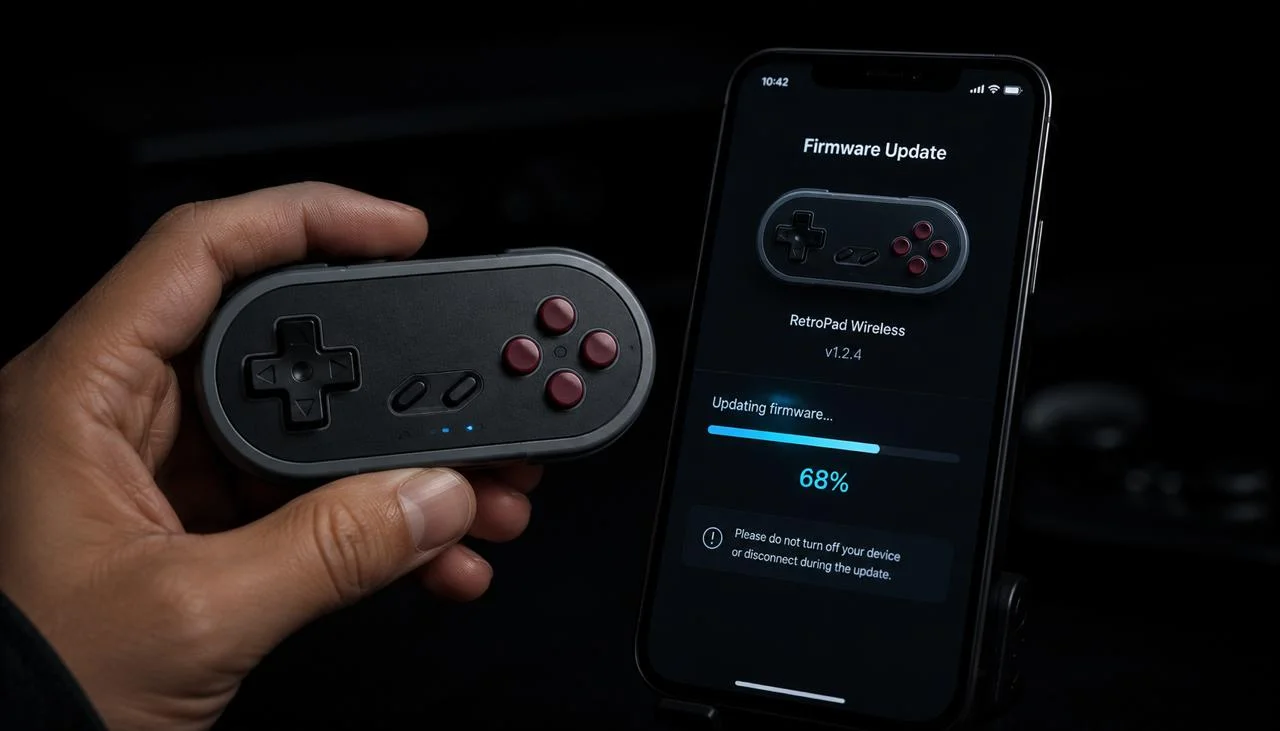
Key fact: 8BitDo distributes firmware updates only through its own Ultimate Software (Windows, macOS) or the 8BitDo Ultimate mobile app (Android, iOS); the firmware version is printed on the bottom sticker of every controller and is shown in-app once you connect over USB. Do not interrupt USB power during flashing.
Why 8BitDo firmware updates matter
Five reasons to keep firmware current:
- New mode support. 8BitDo controllers ship with multiple modes, Switch, Xbox, Android, macOS, etc. Firmware updates add modes (Switch 2 mode rolled out in 2025) and fix mode-switching bugs.
- Pairing reliability. Older firmware on Pro 2 controllers had intermittent BT pairing failures with Windows 11. 2024 firmware fixed this.
- Input latency improvements. Each new firmware shaves 1-3 ms off the BT polling cycle for most models. By 2026, latency on the Ultimate Bluetooth Controller is roughly half of the 2022 baseline.
- Stick deadzone changes. Firmware controls the controller's internal deadzone before reporting input. Updates tighten the deadzone on Hall-effect models, visible immediately in JoyCheck as smaller resting values.
- Mode-switch fixes. Some early firmware versions corrupted button mappings when switching between modes (e.g., Switch → Xbox via mode toggle). Recent firmware handles this cleanly.
What to do to update firmware
Four options, ordered by cost. Stop at the first one that works.
The fastest path is JoyCheck: connect the controller, expand the device info row, read the firmware string. Alternative methods if JoyCheck doesn't expose the version for your model:
This is the standard path for most 8BitDo controllers. Note: the updater is per-model, there's no single universal tool. You need the right .exe for your specific controller.
8BitDo doesn't ship Mac or Linux firmware updaters. Options:
If the updater fails repeatedly, or the controller is bricked mid-update (rare but possible), contact 8BitDo support directly. They handle warranty repairs and bricked-firmware recovery via mail-in se…
Which firmware notes apply to each 8BitDo model?
Pro 2. Most common model needing updates. 2024 firmware fixed Windows 11 BT pairing. 2025 added native Steam Deck profile.
Ultimate Bluetooth + 2.4G. Use the 8BitDo Ultimate Software (not the generic updater). Lets you remap buttons, set stick sensitivity, and tune trigger pressure points alongside the firmware update.
SN30 Pro / Lite SE / M30. Standard updater per-model. Modes: Switch (default), Xbox/D-Input, Android. Mode switch is done via button combo (e.g., Start + Y for Switch mode on SN30 Pro).
Ultimate 2 (released 2025). Hall-effect sticks + adaptive trigger emulation. Firmware updates roll out frequently, check every 2-3 months.
Pro Arcade Stick, F-Stick, Zero 2. Older models. Firmware updates are rare now, most are on the final shipped version.
Which 8BitDo models support firmware updates?
| Updater path | Pro 2 | Ultimate BT | SN30 Pro | M30 | Lite SE | Arcade Stick |
|---|---|---|---|---|---|---|
| 8BitDo Updater (Windows) | ✓ | partial | ✓ | ✓ | ✓ | ✓ |
| 8BitDo Ultimate Software | ✗ | ✓ | ✗ | ✗ | ✗ | ✗ |
| Wired connection required? | Yes | Yes | Yes | Yes | Yes | Yes |
| Mac/Linux native updater? | ✗ | ✗ | ✗ | ✗ | ✗ | ✗ |
When to RMA
After all firmware update attempts, if:
- The controller is fully unresponsive (no LEDs, no button input)
- The updater repeatedly fails to detect the device
- The controller works only via cable, never via wireless (and Tier 1-3 above didn't fix it)
…then RMA to 8BitDo support. Standard warranty is 12 months from purchase date.
How do I confirm the firmware update worked?
After every firmware update, run a full controller test in JoyCheck:
- Open joycheck.io in any modern browser.
- Press any button, the live input diagram appears.
- Run through every input: both analog sticks, all face buttons, D-pad, both bumpers + triggers, Start, Select, Home (and gyro on Ultimate models).
- Confirm each input lights up in the diagram.
- Check the firmware version field, confirm it matches the latest from 8BitDo's support site.
If everything responds and the firmware is current, you're done.
Run the full controller test now →
Workshop notes by Taimoor Bamazai at Elites Algorithm. Published 21 May 2026. Bug reports and corrections: support@joycheck.io. More notes from the workshop: /blog.
Frequently asked questions about 8BitDo firmware
Does 8BitDo make a Mac firmware updater?
No. All 8BitDo firmware updaters are Windows-only. Mac users need a Windows VM or a Windows PC for the one-time firmware update.
Can I update firmware over Bluetooth or the wireless dongle?
No. Firmware transfer requires a wired USB-C connection. The wireless dongle and Bluetooth modes don't support the firmware protocol.
How often does 8BitDo release firmware updates?
Roughly quarterly for active models (Pro 2, Ultimate, SN30 Pro). Less frequently for older or discontinued models. Major updates (new platform support, new modes) get press attention; minor updates roll out quietly on the support site.
Why are there so many different 8BitDo updaters?
Each model has its own firmware codebase and updater binary. 8BitDo started bundling all updaters into the 8BitDo Ultimate Software for Ultimate-series controllers, but the Pro 2 and older models still use per-model updaters. There's no plan to unify them across the full product line.
Does updating firmware reset my button mappings?
Usually no, but some major version jumps (2.x → 3.x firmware) do reset mappings to factory defaults. Always export your custom mappings via the 8BitDo Ultimate Software before updating, just in case.
My Pro 2 works on Switch but not PC after firmware update, what's wrong?
The mode reset to Switch. Hold Start + X for 3 seconds to switch the Pro 2 into Xbox mode (PC-compatible). The home button LED color indicates the mode (green = Switch, blue = Xbox, yellow = Android, gray = D-Input).
Can I downgrade firmware?
Officially no, 8BitDo updaters only flash the latest version. Unofficially, some community-maintained archives keep older firmware versions for specific models. Use at your own risk; downgrading can void warranty.
JoyCheck shows my 8BitDo as "Generic HID" instead of by model name, is firmware out of date?
Usually no, the controller mode determines what name the browser sees. D-Input mode reports "Generic HID" on most browsers. Switch to Xbox mode (Start + X for most models) to report as an Xbox controller with a recognizable name.