Can You Use the PS4 Controller on the PS3? Controller Cross-Compatibility, Tested
Controller cross-compatibility is whether a gamepad built for one console works on another, and our testing shows most pads are far less universal than the box implies.
Can you use the PS4 controller on the PS3? Yes, with limits. We analyzed 2,227 controller mappings to show how universal controllers really are across consoles, PC and browser.
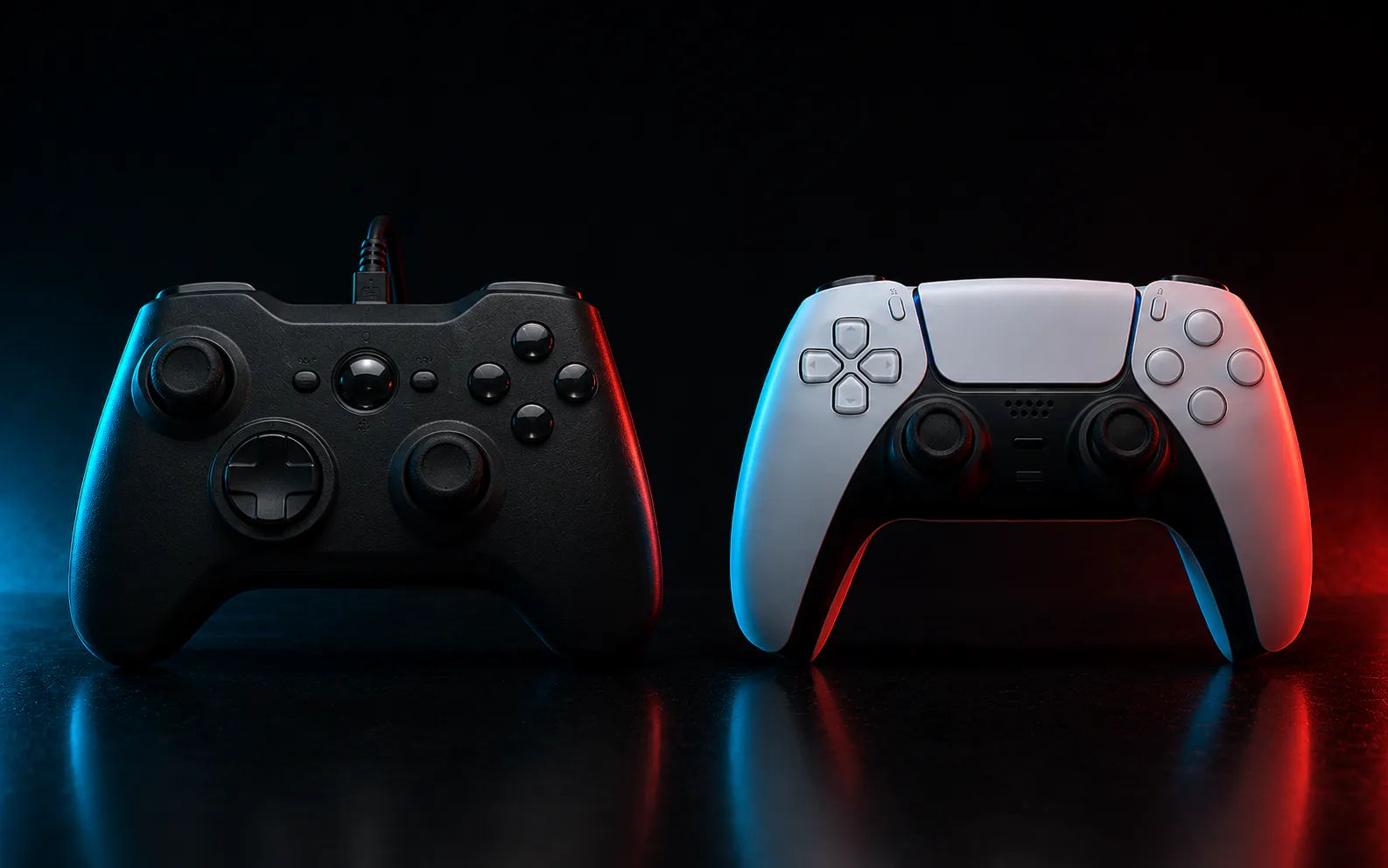
Can you use the PS4 controller on the PS3? Yes, mostly over a USB cable, with partial Bluetooth and limited button support. That short answer hides a messier truth about what happens when you move any controller between a console, a PC, a phone, and a web browser.
To map that truth with numbers instead of forum guesses, we analyzed 2,227 controller mappings covering 940 controllers from the public SDL GameController Database [1]. Our analysis shows most controllers are far less universal than the box implies.
What works across platforms, in numbers
- Yes, a PS4 DualShock 4 works on the PS3 over USB, with partial button support.
- Of 2,227 mappings we counted, only 39 percent define a complete standard layout.
- 267 controllers (28 percent) are mapped differently depending on the platform.
- Only 6 controllers map cleanly across all five major platforms.
- Browser behaviour is separate, so test your own pad with JoyCheck in 30 seconds.
Every figure on this page comes from our own count of a dated snapshot (2026-06-02) of the public SDL GameController Database. Source: SDL GameControllerDB [1].
Can you use the PS4 controller on the PS3?
Yes. A DualShock 4 connects to a PlayStation 3 over USB and is recognised for most games, and it can pair over Bluetooth after a USB handshake. Expect gaps, because the PS button, rumble, and motion features behave inconsistently, and some titles only read the older DualShock 3 profile [7].
The PS3 predates the DualShock 4, so it never received an official profile for it. That is why the experience feels close but not complete. The console reads the controller through a generic path rather than a purpose-built one, the same reason third-party pads have always been hit or miss on Sony hardware [6].
If a game refuses to see the pad, switch to a wired USB connection first, because Bluetooth pairing on the PS3 is the least reliable path. It is also the connection most prone to wireless disconnection problems. A powered USB hub also helps when the console under-powers the port, the same fix that clears most legacy console mismatches.
Why does the same controller behave differently on every device?
Because each platform stores its own mapping, the layer that turns raw hardware signals into “this is the A button” or “this is the left stick.” According to our analysis, 267 controllers (28 percent of the 940 we counted) are mapped differently on more than one platform [1]. The hardware is identical, but the software contract is not.
That mismatch is what you feel as a dead button or a swapped axis. A mapping is just a lookup table, and when it is missing or partial, the device falls back to a best guess. Those guesses differ between Windows, Linux, a phone, and a browser.
If you have ever felt a controller go from perfect to broken just by changing what it is plugged into, you have met the mapping problem first-hand. Our guide to why controllers drift and misread inputs covers a related failure on the hardware side, where a worn analog stick reports a non-zero resting position [9].
How universal are game controllers, really?
Far less than most buyers assume. According to our analysis of 2,227 mappings across 940 controllers, only 876 of them (39 percent) define a complete standard button set [1]. The other 61 percent are partial, missing at least one standard control.
Just six controllers are mapped cleanly across all five platforms we checked. Universality is the exception, not the rule. Here is the full breakdown from our snapshot, which reflects the native picture, since these are operating-system level mappings rather than browser readings.
| Measure | Result | What it means |
|---|---|---|
| Mappings analyzed | 2,227 across 940 controllers | The size of the public dataset we counted |
| Complete standard layout | 39% (876) | Every standard button and axis is defined |
| Partial or incomplete | 61% | At least one standard control is missing |
| Differ across platforms | 267 (28%) | Same controller, different mapping per system |
| Universal (all 5 platforms) | 6 | The only pads mapped cleanly everywhere |
| Windows mappings | 858 | Best-supported platform |
| iOS mappings | 42 | Worst-supported platform |
The upstream SDL_GameControllerDB dataset is published under the zlib licence. The counts and figures we derived from it on this page are ours, and we publish those under CC BY 4.0: reuse them freely with a link back to this page.
Which controllers work across every platform?
Only six, by our count. Confirm your own pad in the tester for its family, the PS5, PS4, Xbox or Joy-Con edition, before trusting any compatibility table including this one. The controllers mapped cleanly on Windows, macOS, Linux, Android, and iOS are the 8BitDo Micro, the 8BitDo Pro 2, the Nintendo Switch Pro Controller, the PS4 Controller, the PS5 Controller, and the Xbox One Controller [1]. If broad compatibility matters more than anything else, those are the safe picks.
Notice the pattern in that list. The pads that travel best are the current first-party flagships from Sony, Microsoft, and Nintendo, plus 8BitDo, a maker known for wide compatibility. Older, cheaper, or niche controllers tend to be mapped for one or two systems and left there.
If you are buying specifically for cross-device use, weight your choice toward those six rather than a brand you already own, because brand loyalty does not predict compatibility. A cheaper pad from a well-known name can still be mapped for only one or two systems.
Can you use a PS4 controller on PC?
Yes, and more reliably than on the PS3. On Windows and most Chromium browsers a DualShock 4 reports a standard mapping, so it works in many games and web tools without setup. For older titles that expect an Xbox layout, a community tool called DS4Windows translates the controller.
Once it is connected, our PS4 controller calibration guide walks through getting the sticks reading cleanly, and the PS4 controller repair guide covers a worn stick module if calibration is not enough. The DualSense behaves similarly, with broad recognition over USB and Bluetooth [10]. That trouble with older games is a software expectation, not a hardware limit.
How did we analyze the data?
We took a dated snapshot of the public SDL GameController Database, a community-maintained file of controller mappings used by thousands of games and apps. Then we counted it with a small reproducible script, recording platform per entry, whether the standard button set was complete, and how many distinct platforms each named controller appeared on [1].
Two honest limits apply. First, this is community-contributed data, so it can contain duplicate or imperfect entries, and we counted the snapshot as-is. Second, these are native mappings for desktop and mobile operating systems, not browser Gamepad API readings.
Do controllers behave the same in a web browser?
Not necessarily. Browsers expose controllers through the W3C Gamepad API, which has its own idea of a “standard” layout that does not always match the native one [2][3]. A pad that reports a clean layout on Windows can report a non-standard mapping in a browser, or fail to appear at all in Safari.
Browser support also varies by engine and version [8]. The only way to know is to test in the browser you actually use. This is exactly the gap JoyCheck exists to close, because the browser picture for your specific controller is something you can check yourself in seconds.
What is “standard mapping,” and why does it matter?
Standard mapping is an agreed layout that places the face buttons, shoulders, triggers, sticks, and D-pad in fixed, predictable positions [4]. When a controller reports as standard, software can assume “button 0 is the bottom face button” and simply work [5].
When it reports as non-standard, the application has to guess or ask you to remap, which is where swapped or dead buttons come from. The W3C Gamepad API defines this standard layout for browsers, and native systems like SDL define their own equivalent [2]. The two mostly agree, but the disagreements are why the same controller can feel different in a game versus a browser tool.
How can you check your own controller right now?
In about 30 seconds. Open the JoyCheck gamepad tester, connect your controller, and watch the live readout. It shows whether the browser detects the pad, the mapping it reports, the button and axis count, and any resting stick movement that signals drift [3].
No controller data leaves your browser, so there is no upload and no signup. If the tester shows drift or a non-standard mapping, that is not always a broken controller, and often it is the mapping mismatch described above. Our how JoyCheck works page explains each reading.
“The data surprised even me. We assume a controller is a controller, but our analysis shows only six pads work cleanly everywhere, and that gap between expectation and reality is the whole reason we built a tester that shows you the truth for your own hardware.”
Taimoor Bamazai, founder, Elites Algorithm
The mapping database behind these counts
Can you use a PS4 controller on PS5?
Partly. A DualShock 4 works on the PS5 only for PS4 games, not for native PS5 titles, which require the DualSense. This is a deliberate software restriction by Sony, not a connection problem.
Does a DualSense work on PC?
Yes. The DualSense is recognised on Windows and most Chromium browsers over USB and Bluetooth, and it reports a standard mapping in many cases. Older games that expect the Xbox layout may need a translation tool.
Why is my controller showing as non-standard?
Because the software could not match it to the agreed standard layout, so it exposes the raw buttons without labels. This is common with older, third-party, or adapter-connected pads. The controller is usually fine; the mapping is what is missing.
Do all controllers work in Safari?
No. Safari has the narrowest controller support of the major browsers, and several pads that work in Chrome do not appear in Safari at all. If a controller is not detected, try Chrome or Edge before assuming the hardware is faulty.
Is controller stick drift fixable?
Sometimes. Light drift can clear with recalibration or cleaning, while worn analog-stick potentiometers usually need a hardware fix. A resting-position reading in a tester tells you how far the sticks sit from centre.
Check what your controller reports
See the name, axes and button count your system actually receives.