Controller · Xbox Series · Xbox One
Xbox controller test. Check your pad in the browser.
Test your Xbox pad against Xbox thresholds, not borrowed ones
Connect the controller, set it flat with your thumbs off both sticks, and read the resting X and Y values. On an Xbox pad, JoyCheck warns at 0.10 and fails at 0.25.
Axis monitor
Trigger test
Vibration test
Device info
- Name
- —
- Vendor ID
- —
- Product ID
- —
- Type
- —
- Mapping
- —
- Buttons · Axes
- —
Browser support
- ChromeSupported
- EdgeSupported
- FirefoxSupported
- SafariLimited
Advanced diagnostics
Buttons
Controller diagram
Deadzone & response curve
Latency tester
Event log
Input heatmap
Keyboard
Keyboard fallback active. WASD/Arrows for sticks, 1-4 face buttons, Q/E bumpers, Z/C triggers.
Connect an Xbox Series or Xbox One controller by USB, Bluetooth or the Xbox Wireless Adapter, and JoyCheck reads every stick, trigger and button live through the W3C Gamepad API. Xbox pads idle noisier than PlayStation pads, so they get their own thresholds.
- in the browser
- no driver needed
- W3C Gamepad API
Works best on desktop. A USB cable rules out the radio and the batteries.
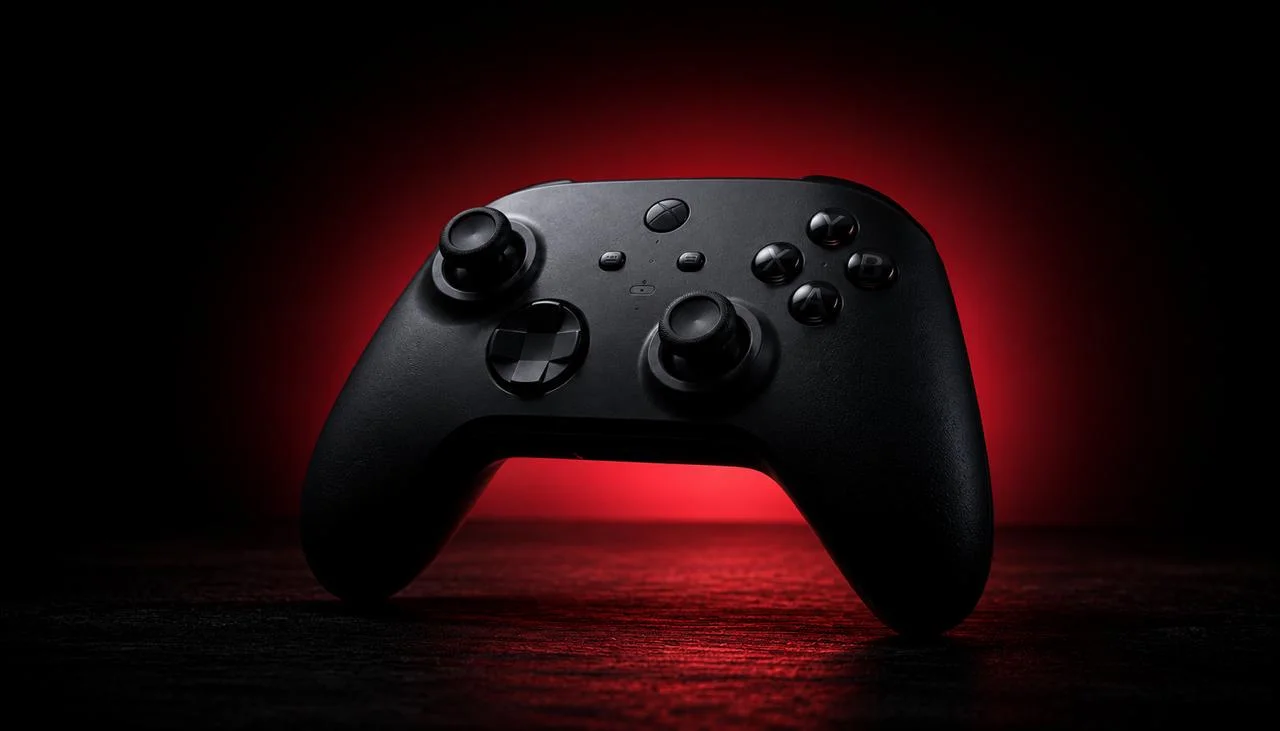
An Xbox controller test in the browser reads the pad itself rather than what one game makes of it. Connect an Xbox Series or Xbox One controller by USB, Bluetooth or the Xbox Wireless Adapter, and the tool above reports every stick, trigger and button live through the Gamepad API, the open W3C standard.
What an Xbox pad test settles in 30 seconds
- Xbox thresholds are the widest on this site: warn at 0.10, fail at 0.25.
- On Windows every XInput pad reads as an Xbox controller, so the name is generic and the inputs are not.
- Xbox is the one console family with a real first-party calibration app.
- An Elite Series 2 stores its deadzone profile on the controller, so the fix travels with the pad.
- No driver is required for a browser test on any of the three connection routes.
The W3C Gamepad API specification reports every analog axis on a normalised scale from -1.0 to +1.0, with 0.0 as the neutral centre [1].
Source: W3C Gamepad API specification
How do you test an Xbox controller in the browser?
Connect the controller, open the tool at the top of this page, and press any button so the browser registers it. Circle both sticks through their full range, pull each trigger to the stop, and press every face button, bumper, D-pad direction and the menu and view buttons. Whatever works lights up as you touch it.
The check runs entirely in your browser and your input never leaves the machine. That makes it usable on a work laptop or a friend’s PC, which is the practical way to test a pad you are about to buy second-hand.
Why does every XInput pad read as an Xbox controller?
On Windows, controllers that speak XInput reach the browser through one shared interface. That interface does not pass along the vendor and product identifiers a browser would otherwise use to name the hardware, so a genuine Xbox pad, an 8BitDo in XInput mode and a no-name third-party controller can all arrive labelled the same way. We measured this while building the device-identification work and it is a property of the platform, not of any particular pad.
It sounds like a flaw and it changes nothing about the diagnosis. Every axis, trigger and button still reads correctly, because the input data is intact; only the name attached to it is generic. If you want to confirm which physical pad you are testing, unplug everything else first, or connect over Bluetooth on macOS, where the identifier is usually more specific. MDN documents what the mapping property does and does not promise [2].
What resting value counts as Xbox stick drift?
Set the pad flat, take your hands off, and read the axis values. The tool keeps a separate threshold pair per controller family, because idle noise differs by module, and Xbox pads sit noisier from new than PlayStation pads do. It calls drift only when at least 80 percent of a rolling window of 60 to 90 readings stays past the warn threshold.
| Controller | Warn threshold | Fail threshold |
|---|---|---|
| Xbox Wireless Controller | 0.10 | 0.25 |
| DualSense (PS5) | 0.08 | 0.22 |
| DualShock 4 (PS4) | 0.08 | 0.22 |
| Joy-Con (Switch) | 0.05 | 0.15 |
The practical consequence is worth stating plainly: a resting value of 0.09 is a warning on a DualSense and normal on an Xbox pad. Copying a threshold from a PlayStation guide is how a healthy Xbox controller gets condemned. The stick drift test mounts the same engine with the axis monitor first if you want the reading on its own.
The Xbox Accessories app: the one console that calibrates
Where Sony offers nothing, Microsoft ships the Xbox Accessories app on Windows and on the console. It applies firmware updates, runs its own button and stick test, and on an Elite Series 2 exposes stick sensitivity curves. Microsoft documents the controller’s setup and update path in its own support [3].
The order that works is measure, update, measure again. Run the reading here first so you have a number, apply any firmware update the app offers, then read it again: a resting value that drops after a firmware update was a software problem, and one that does not move is mechanical. The Xbox calibration guide covers the app step by step, and the Xbox stick drift guide is the deeper look at the failure.
Elite Series 2 and adjustable deadzones
The Elite Series 2 is the one Xbox pad where a bad reading has a settings answer as well as a hardware one. Its inner and outer deadzones are adjustable per stick in the Accessories app, and the profile is stored on the controller itself rather than on the console, so the adjustment follows the pad to another machine.
Use that carefully. Raising an inner deadzone above a drifting stick’s resting value stops the drift reaching the game, and it also removes that much fine control from every game you play. It is a reasonable bridge while a replacement is on order and a poor permanent answer, because the offset behind it keeps growing. The deadzone tester shows exactly how much of the stick’s range a given setting consumes.
Wired, Bluetooth, or the Xbox Wireless Adapter?
Use a USB cable for a test. It removes the radio, the range and the batteries from the list of explanations, so a bad reading points at the stick module and nothing else. This is the same reason a cable is the right call on any pad.
Between the two wireless routes, the Xbox Wireless Adapter is the more stable link and the one to prefer when a Bluetooth session keeps dropping mid-test. Bluetooth is fine for a quick check and is the only wireless option on macOS. If the pad connects and then disappears repeatedly, that is a link fault rather than a stick fault, and the Bluetooth dropout guide covers it.
When does the test say replace the pad?
The resting value decides, read against the Xbox thresholds rather than borrowed ones.
| Resting value | Likely cause | First move |
|---|---|---|
| Under 0.10 | Controller is healthy | Nothing |
| 0.10 to 0.25, newly appeared | Debris around the stick | Clean with compressed air and isopropyl alcohol |
| 0.10 to 0.25, survives cleaning | Early wear | Update firmware in the Accessories app, then measure again |
| Over 0.25 after a firmware update | Worn potentiometer | Replace the stick module or the pad |
| Trigger never reaches 1.00 | Trigger spring or sensor | Clean, then check the return spring |
If the pad is worth repairing, the Xbox controller repair guide covers the teardown and iFixit publishes module-level guides [4]. If you are replacing it, the TMR and Hall-effect buying guide is the argument for a pad that will not do this again. For a PlayStation pad instead, use the PS5 controller test or the PS4 controller test.
Frequently asked questions about testing an Xbox controller
How do I test an Xbox controller online?
Connect the pad by USB, Bluetooth or the Xbox Wireless Adapter, open the tester on this page, and press any button so the browser registers it. Every stick, trigger, bumper, face button and D-pad direction then reports live through the W3C Gamepad API. Nothing installs and no input leaves your machine.
What resting value counts as Xbox stick drift?
JoyCheck warns on an Xbox Wireless Controller at a resting value of 0.10 and fails it at 0.25, on the normalised -1.00 to +1.00 scale. Those are the widest thresholds on the site because Xbox pads idle noisier out of the box, so a value that would be borderline on a DualSense is still normal here.
Why does the tester call my third-party pad an Xbox controller?
On Windows, controllers that speak XInput are presented to the browser through a single shared interface, so the vendor and product identifiers a browser would use to name the brand are not exposed. Many third-party pads therefore read as an Xbox controller. The inputs are still read correctly; only the name is generic.
Can I calibrate an Xbox controller?
Yes, and it is the one major console that offers it. The Xbox Accessories app on Windows or on the console runs a button and stick test and applies a firmware update. On an Elite Series 2 it also sets the inner and outer deadzone per stick and stores the profile on the controller itself.
Does an Xbox controller need a driver for a browser test?
No. Windows exposes Xbox pads to the Gamepad API without extra software over USB, Bluetooth and the Xbox Wireless Adapter. macOS and Linux support recent Xbox pads over Bluetooth natively too, though the Wireless Adapter is a Windows accessory.
Bluetooth or the Xbox Wireless Adapter for testing?
Use a USB cable for a test if you have one, because it removes the radio and the batteries from the picture entirely. Between the other two, the Xbox Wireless Adapter is the more stable link and the one to prefer if a Bluetooth session keeps dropping mid-test.
Measure the pad, then choose the fix
No install, no account. Your inputs never leave your device.