GTA 6 Controller Not Working on PS5 or Xbox Series X|S
If your GTA 6 controller is not working, find out first whether the fault is the controller, the console or the game. Test the pad on a computer in your browser. If it reads fine there, reset or re-pair it on the PS5 or Xbox, update it, and restart GTA 6.
GTA 6 controller not working on PS5 or Xbox? Find out if it is the pad, the console or the game, then use Sony and Microsoft's own fixes in order.
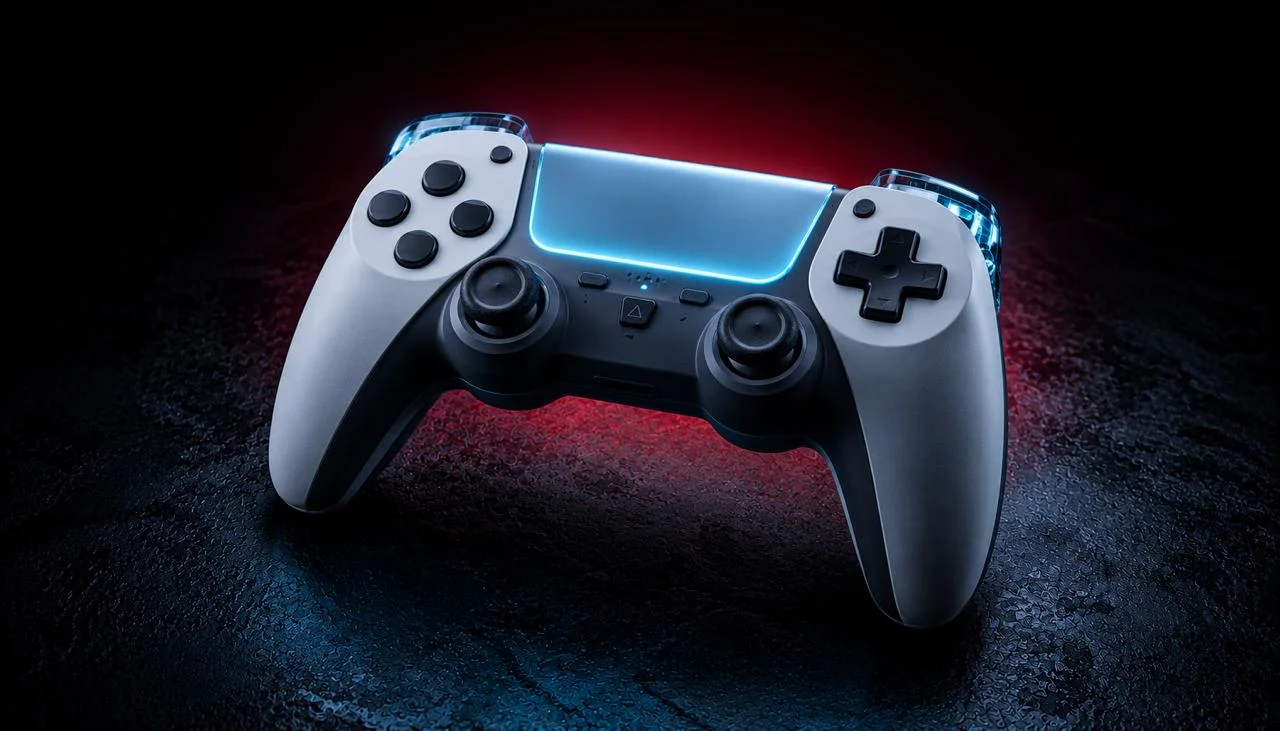
If your GTA 6 controller is not working, first find out where the fault sits: the controller, the console, or the game. Plug the pad into a computer and press a button on our controller tester. If every button and stick reads correctly there, the controller is fine and the fix is on the PS5, the Xbox or inside GTA 6.
Grand Theft Auto VI comes out on November 19, 2026, on PlayStation 5 and Xbox Series X|S [9]. This guide uses only the steps Sony and Microsoft publish for their own controllers. Rockstar has not published the game’s controller settings yet, so fixes inside the game menus will be added here after launch, once we can check them in the real game.
GTA 6 controller fixes in the order that saves time
- Test the pad on a computer first; it tells you whether to fix the controller, the console or the game.
- Sony’s first fix for a DualSense that does nothing is a 5-second reset in the pinhole on its back.
- An Xbox pad that will not pair usually needs fresh batteries and a re-pair with the console’s Pair button.
- Aim or walking that moves on its own is stick drift, and no console setting cures worn sticks.
Sony’s own fix for a DualSense that stops responding is a reset. Turn off the PS5, unplug the controller, then press the reset button in the small hole on the back of the pad with a pin for at least 5 seconds. Reconnect it with a USB cable and press the PS button [1].
Source: PlayStation Support: troubleshoot the DualSense wireless controller
Find the faulty part in 60 seconds
- Connect the controller to any computer with a USB cable that carries data, then open the controller tester in Chrome, Edge, Firefox or Safari.
- Press every button once and move both sticks to the edge. The tester reads the pad through the W3C Gamepad API [10], so each input should light up on screen.
- Let go of both sticks. A stick that does not settle back near zero is drifting.
- All good on the computer? The controller works, so go to the console steps or the GTA 6 section below.
Is it the controller, the console or GTA 6?
Each symptom points to one of the three. Buttons that also fail on a computer mean a controller fault. A pad that works on a computer but not on the console points to pairing, the cable or the console. A pad that works on the home screen but not in GTA 6 points to the game.
We built this table from the official support steps listed below and from what our browser tester can and cannot see. Use it to pick your first fix, then jump to your console’s section.
| What you see | Most likely cause | First fix to try |
|---|---|---|
| Nothing responds, not even the home button | Flat battery, lost pairing or a frozen pad | DualSense: pinhole reset. Xbox: new batteries, then re-pair |
| Works on a computer, not on the console | Pairing or the cable | Re-pair over USB with a cable that carries data |
| Works on the home screen, not in GTA 6 | Game settings or a stuck game | Close GTA 6 fully and start it again |
| One button does the wrong thing everywhere | A button remap in console settings | Reset button assignments to default |
| Camera or character moves on its own | Stick drift | Test the sticks at rest in the browser |
| Pad keeps dropping out in long sessions | Weak wireless signal or a low battery | Play wired with a USB cable |
How do you fix a PS5 controller that stops working in GTA 6?
Reset the pad first, with the pinhole button on its back, as Sony describes in the box above [1]. If the pad still does nothing, work through the four checks below: the cable, a wired connection, a PS5 system update, and any custom button layout.
- Use a cable that carries data. Sony says cables marked as “charge only” cannot be used to connect the controller [2]. Try the cable that came with the PS5.
- Play wired if the signal drops. In Settings, Accessories, Controller (General), set Communication Method to Use USB Cable [3]. Sony suggests this when the wireless signal is weak.
- Update the PS5. Controller updates come with PS5 system software updates [2]. After updating the console, check the controller under Settings, Accessories, Controller (General), DualSense Wireless Controller Device Software.
- Check for remapped buttons. If a button does the wrong thing in every game, open Settings, Accessibility, Controllers, Custom Button Assignments for DualSense Wireless Controller [4]. Turn the custom layout off.
If the reset and update both fail, Sony sends players to the PlayStation Repairs diagnostic tool at playstation.com/repairs [2]. The PS5 controller test gives you a clear record of which button or stick fails before you start a repair. For PC-side DualSense problems, the DualSense troubleshooting guide covers drivers, Steam and Bluetooth.
How do you fix an Xbox controller that stops working in GTA 6?
Replace or recharge the batteries first, even if the controller still seems to have power; Microsoft lists that as step one [5]. Then power-cycle the pad: hold the Xbox button for 5 to 10 seconds until it turns off, wait, and hold it again to turn it on.
If it still will not connect, pair it again:
- Press the Pair button on the console. On an Xbox Series X it sits on the front right, above the USB port. On a Series S it is on the front left, to the right of the USB port [6].
- Within 20 seconds, hold the Pair button on the controller until the Xbox button flashes.
- Or skip pairing and plug in with a USB-C cable. A wired pad works right away, as long as the cable supports data transfer [6].
Next, update the controller. Go to Settings, Devices & connections, Controllers & headsets, select the controller and choose the ”…” button. If it shows Update, select Firmware version to install it [7]. An update over USB can take up to 3 minutes.
Last, check for remaps. Under Settings, Devices & connections, Controllers & headsets, choose Configure. A changed button layout can be put back to default there [8].
If none of this helps, Microsoft points players to a controller replacement request [5]. For a pad that drops out over Bluetooth on a PC, read the Bluetooth disconnect guide.
What if the controller only fails inside GTA 6?
If the pad works on the console home screen but not in the game, the problem is the game, not the hardware. Microsoft’s advice for “unexpected controller behavior in one game or app only” is to check that game’s controller settings, then close the game and start it again [8]. The same steps make sense on a PS5.
Close GTA 6 completely, then start it again. Going back to the home screen is not enough, because the game can stay open in the background.
Rockstar had not published the GTA 6 control layout or its controller settings when we wrote this on November 17, 2026. We will not guess at menu names. After launch we will add the real in-game options here, such as sensitivity or dead zone, if the game has them.
Why does my aim or character move on its own in GTA 6?
That is stick drift. A worn stick reports a small movement even when you let go, and the game reads it as you moving the camera or walking.
Drift is physical wear inside the stick. A console reset or update will not fix it. A larger dead zone, if the game offers one, can only hide light drift.
Check it in two minutes. Run the GTA 6 controller check, which flags a stick that reads more than 0.08 while you are not touching it. For a closer look, the stick drift test shows each stick’s resting value live.
If a stick fails, the fix depends on your pad. The PS5 stick drift guide and the Xbox stick drift guide go from free fixes up to a new stick module.
When should you repair or replace the controller?
Repair or replace it when it fails on a computer too, after the reset and the update. At that point the fault is in the controller itself, and no console setting will bring it back. Check your warranty before you pay for anything.
On PS5, start with the PlayStation Repairs diagnostic tool [2]. On Xbox, use Microsoft’s controller replacement request [5]. If you bought a GTA VI Limited Edition DualSense, test it the day it arrives. A limited edition may be hard to swap once stock runs out, and the seller’s return window is often your quickest fix.
Sony and Microsoft sources behind these fixes
- PlayStation Support: troubleshoot the DualSense wireless controller: the pinhole reset steps, read on 2026-11-17.
- PlayStation Support: DualSense controller support: charge-only cables, controller updates and PlayStation Repairs.
- PlayStation Support: adjust general controller settings: Communication Method and Use USB Cable.
- PlayStation Support: PS5 accessibility settings: Custom Button Assignments.
- Xbox Support: Xbox Wireless Controller troubleshooting: batteries, power cycle and replacement.
- Xbox Support: connect an Xbox Wireless Controller: Pair button positions on Series X and Series S.
- Xbox Support: update your Xbox Wireless Controller: firmware update steps.
- Xbox Support: controller button troubleshooting: one-game problems and button remaps.
- Take-Two Interactive earnings release, November 9, 2026: GTA VI release date and platforms.
- W3C Gamepad API specification: how a browser reads buttons and sticks for the computer test.
Why does my controller work on the home screen but not in GTA 6?
Then the controller and the console are fine, and the problem is the game. Microsoft's advice for a controller that misbehaves in one game only is to check that game's controller settings, then close the game and start it again. Close GTA 6 completely rather than just going back to the home screen.
Can I play GTA 6 on PS5 with the controller plugged in?
Yes. On the PS5, go to Settings, Accessories, Controller (General) and set Communication Method to Use USB Cable. That also helps when the wireless link keeps dropping. Use a cable that carries data, because Sony says charge-only cables cannot connect the controller.
Will any USB-C cable connect my controller?
No. The cable must carry data, not just power. Sony says cables marked as charge only cannot be used with the PS5 controller, and Microsoft says to use a USB cable that supports data transfer for an Xbox Wireless Controller. The cable that came with your console is the safest choice.
No PC version of GTA 6 is announced, so how can a computer test my console controller?
The test checks the controller, not the game. Plug the PS5 or Xbox pad into any computer, open the JoyCheck controller tester in a browser and press a button. The browser reads every button and stick through the W3C Gamepad API, so you can see a fault before you blame the console.
Does the GTA VI Limited Edition DualSense need different fixes?
No. Sony's Limited Edition controllers are standard DualSense controllers, so the same reset, cable and update steps apply. Test a new one on the day it arrives, because a limited edition may be hard to exchange once stock runs out. Contact the seller before its return window closes.
How long does an Xbox controller update take?
Microsoft says an update over a USB cable can take up to 3 minutes. Start it from Settings, Devices & connections, Controllers & headsets, select the controller, choose the "..." button, and select Firmware version if it shows Update. Keep the cable plugged in until it finishes.
Check your controller before GTA 6 night
No install, no account. Your inputs never leave your device.